

Benefits of Offsite Backup Using S3 Storage in Thailand
คำว่าอธิปไตยข้อมูล หรือ การอำนาจควบคุมข้อมูล นั้นกำลังเป็นเรื่องที่มีการพูดถึงมากขึ้นเรื่อยๆ ส่วนหนึ่งเพราะความขัดแย้งด้านภูมิรัฐศาสตร์ที่ทวีความรุนแรงขึ้นทุกภูมิภาคทั่ว…
Read more →S3-compatible Object Storage
S3Box works right away with AWS CLI, SDKs, Veeam, rclone and any S3 tool. Versioning, a restore-ready trash, Object Lock and sub-users are built in. Pay by QR — no credit card needed.
Choose the path that fits you
Free 1 TB for 30 days. No payment, no commitment.
Manage files in a bucketUpload, create folders, search and download right in the browser
Pick the option that fits and start in minutes
Back up systems and keep important records properly, with business billing terms.
Store files, back up your machine or run a personal web app. Start free, pay for what you use.
You know what you need. Skip the trial and choose the capacity and performance right away.
All features of the S3Box console and S3 API
AWS Signature v4 and path-style. Works with AWS CLI, every AWS SDK, rclone, S3 Browser and WinSCP.
Create, search and page through buckets; turn on Versioning or Object Lock at creation.
Folders, upload up to 10 files at a time (5 GB each), download and file details.
See every version of a file, roll back, restore as a new file or download any version.
Files deleted in a versioned bucket go to Deleted Objects and come back with one click.
Prevent changes or deletion until a retention period ends — ideal for compliance data.
Block Public Access, CORS, Lifecycle Policy and Bucket Policy.
Team members get their own access keys; console and programmatic access are toggled separately.
Create keys yourself; the secret is shown once and can be rotated instantly if exposed.
Two-factor authentication (MFA/TOTP) and bot protection on the sign-in page.
Usage, quota, object count, API requests, storage / bandwidth / per-bucket reports and CSV export.
Monthly or yearly, pay by QR, invoices and payment history, add capacity mid-cycle.
Invoice notices, renewal reminders and payment status.
A 7-day grace period for overdue bills, then read-only access; data is kept 90 days after cancellation.
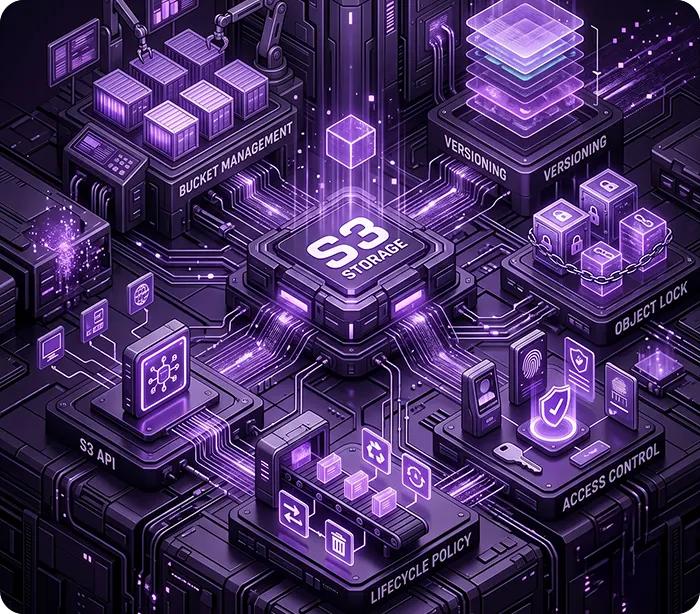
Tools that keep your backups safe from ransomware, accidental deletion and unauthorized access.
Create and manage buckets per workload or department.
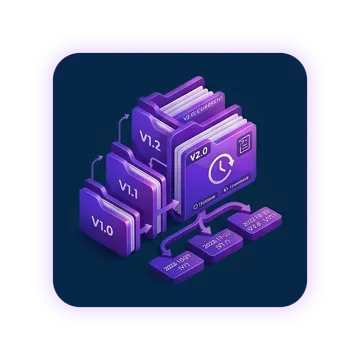
Keep every version of a file and roll back after an overwrite or encryption.
Write once, read many — no deletes or changes until the period ends.
Separate keys per system; rotate instantly if one is exposed.
Sub-users with per-person rights; console and key access toggled separately.
Automatically expire old data or abandoned multipart uploads.
Choose a storage tier for your workload and scale from 1 to 20 TB
1 TB · no payment · no commitment. When the trial ends your data stays (read-only) until you choose a plan.
Top performance for workloads that need speed and low latency.
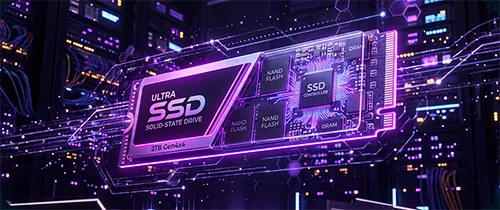
High performance for frequently used data and applications.

Best value for large data sets, backups and long-term storage.
Prices are per 1 TB per year, excluding 7% VAT · Add capacity any time · For large capacity or custom solutions, contact sales for a quote Request a quote →
Register with your email and confirm it
Start the 30-day trial or pick NVMe / SSD / HDD and pay by QR
Create your first access key and store the secret (shown once)
Enter the endpoint and keys in AWS CLI, an SDK, Veeam or rclone
Step by step with screenshots: sign up, trial, keys, buckets, files, versions, sub-users and payments.
Read the manual →Endpoint values and ready-to-use examples for AWS CLI, Python, Node.js, rclone, S3 Browser, Veeam, Nakivo and Acronis.
See how to connect →Learn about S3 storage, backup and data protection
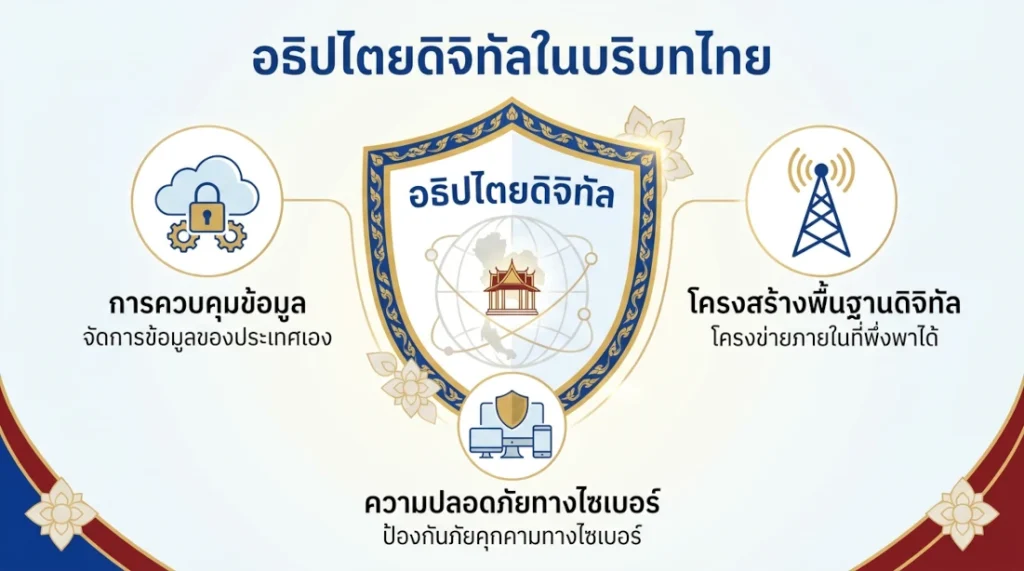
คำว่าอธิปไตยข้อมูล หรือ การอำนาจควบคุมข้อมูล นั้นกำลังเป็นเรื่องที่มีการพูดถึงมากขึ้นเรื่อยๆ ส่วนหนึ่งเพราะความขัดแย้งด้านภูมิรัฐศาสตร์ที่ทวีความรุนแรงขึ้นทุกภูมิภาคทั่ว…
Read more →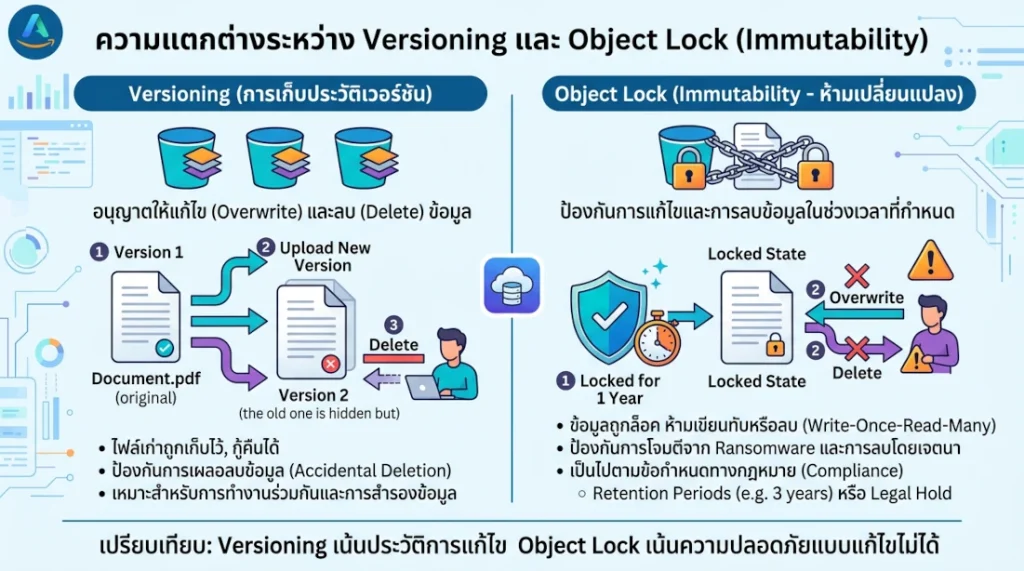
Versioning และ Object Lock (Immutability) คืออะไร? และแตกต่างกันอย่างไร เมื่อพูดถึง Object Storage มักจะมีฟีเจอร์สำคัญสองอย่างที่เกี่ยวข้องกับการปกป้องข้อมูล ได้แ…
Read more →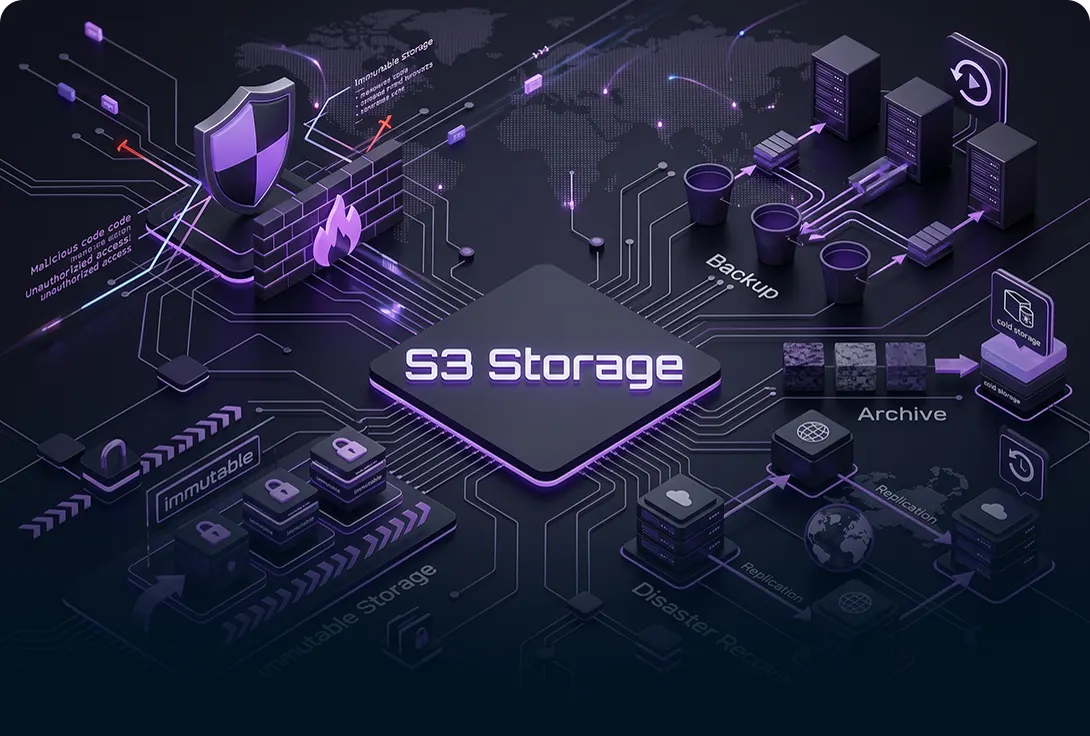
S3 Storage (Simple Storage Service) คือระบบ Object Storage ซึ่งก็มีความหมายเหมือนชื่อของมันเลยนั่งคือ มันจะทำการเก็บข้อมูลแบบอ็อบเจ็กต์ (object) โดยแต่ละไฟล์จะถูกเก็บพร้…
Read more →Tell us what you need and our team will get back to you with the right plan and terms.
Or contact us directly
Yes. S3Box uses the standard S3 API (Signature v4, path-style). Set our endpoint and your access key and it works.
No. The 1 TB trial is free for 30 days and does not roll into a paid plan automatically.
No. The account becomes read-only — you can still read and download — until you choose a plan.
Scan a QR code with your banking app; payment is verified and the plan starts automatically. Organizations can ask for pay-later terms.
Adding capacity takes effect right away and you pay the prorated difference. Reductions and billing-cycle changes apply from the next cycle.
Yes, if the bucket has Versioning on: deleted files appear under Deleted Objects and can be restored, or you can roll back from Version History.
In Avesta's data center in Ubon Ratchathani, Thailand (endpoint s3.th-ubn-1.avesta.co.th).